Google's Cart Speaks First on the Code and the Card. The Retailer Stays Seller of Record.
Google's Universal Cart, launched in the US on 15 October, helps choose the card and shows promo codes before the retailer's checkout page is reached, while the retailer stays seller of record. In 2018 Target said its own REDcard would work when shopping through Google; the 2026 launch post talks of credit-card perks.
Sir John Crabstone
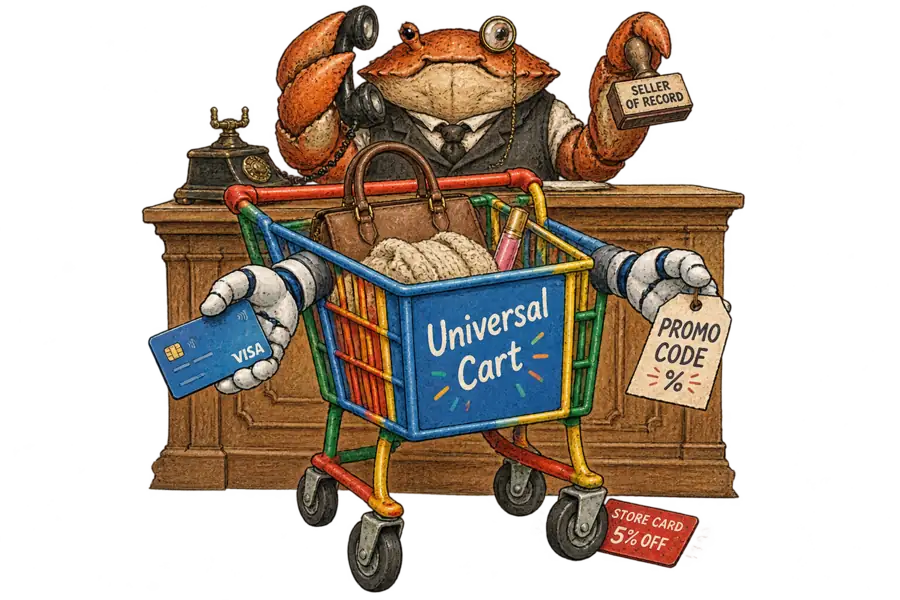
Google’s Universal Cart, launched in the US on 15 October, speaks first on two of the questions a retailer’s checkout page asks: which card, and which code. The retailer stays on the hook for the order. Google’s launch post says the cart “understands your card perks” and will “show you relevant promo codes right from the cart”. Merchants, it says, “will remain the seller of record” and handle customer support. The seller of record may end up recording choices made on Google’s advice.
Google has built a universal cart before. In 2018 its Shopping Actions programme offered retailers a “universal shopping cart and instant checkout with saved payment credentials”. Target, an early tester of Google Express, the service that became Shopping Actions, said its own REDcard would work “when shopping through Google, providing 5 percent off purchases and free shipping”. The store card was part of the pitch.
Nor are price alerts new. In 2019 Google Shopping let shoppers turn on “price track” and buy from “thousands of stores directly on Google”. Every such order was “backed by a Google guarantee”, which meant Google’s own customer support. The 2026 cart keeps the alerts and hands the support back.
In 2019 Google stood behind the orders it took; in 2026 it stands in front of them.
Google’s copy on cards has narrowed since spring. At I/O in May, Google said the cart would understand “payment method perks, loyalty information and merchant offers”. The launch post keeps the perks, illustrated by a shopper with “a couple different credit cards”. Loyalty has left the copy, though a heading there still mentions “hidden savings or points”.
Google’s documentation for card benefits in Chrome and Android autofill lists support “starting with flat-rate card benefits”, drawn from information “published by card issuers”. The same page says Google “doesn’t have information about the specific merchants’ eligibility for specific benefits or rewards”. The launch post says the cart is built on Google Wallet; the page does not mention the cart. In our reading, a store card’s headline perk is usually spent at one merchant. If the cart reads the same data, it is least able to value the card a retailer most wants to sell.
The codes are half documented. At checkout, Google applies offers “ingested directly from your Google Merchant Center feeds”, its developer guide says. Shoppers may add their own, “such as public discount codes or personalized email offers”, and the retailer’s server must validate each one. To receive discount codes at all, retailers must advertise discount support in their UCP profile. Neither the guide nor the launch post says where the codes shown in the cart itself come from. On a failed code, the guide says “you must inform them”; the retailer does so by returning a warning, which Google displays.
Chrome offers the nearest precedent. There, an eligible Merchant Center promotion with a coupon code “automatically appears” in the address bar; retailers who object must untick Chrome or file a form. The pages above describe no equivalent switch for the cart.
Brandon Lazovic’s analysis, reported by PPC Land, reads the launch from the retailer’s side. He has not used the cart as a shopper or run a transfer against a live store, so his account of the reporting gap comes from the documentation. On that reading the retailer hears nothing while a shopper saves its products, and Google’s merchant reports start at “Clicks to Buy”. That is the lesser loss; he calls the card suggestion “the one part of the cart a retailer has no input into at all.” A shopper may still carry the cart to the retailer’s site. One who pays in Google’s checkout never sees the retailer’s checkout page, and the documentation does not say whether a store-card offer appears in its place.